HOW IT WORKS
EVERY MODULE, IN ABOUT SIXTY SECONDS
Short step-by-step walkthroughs of each Workover ERP module — from the customer PO scan to the pay stub. Pick a module and watch it work.
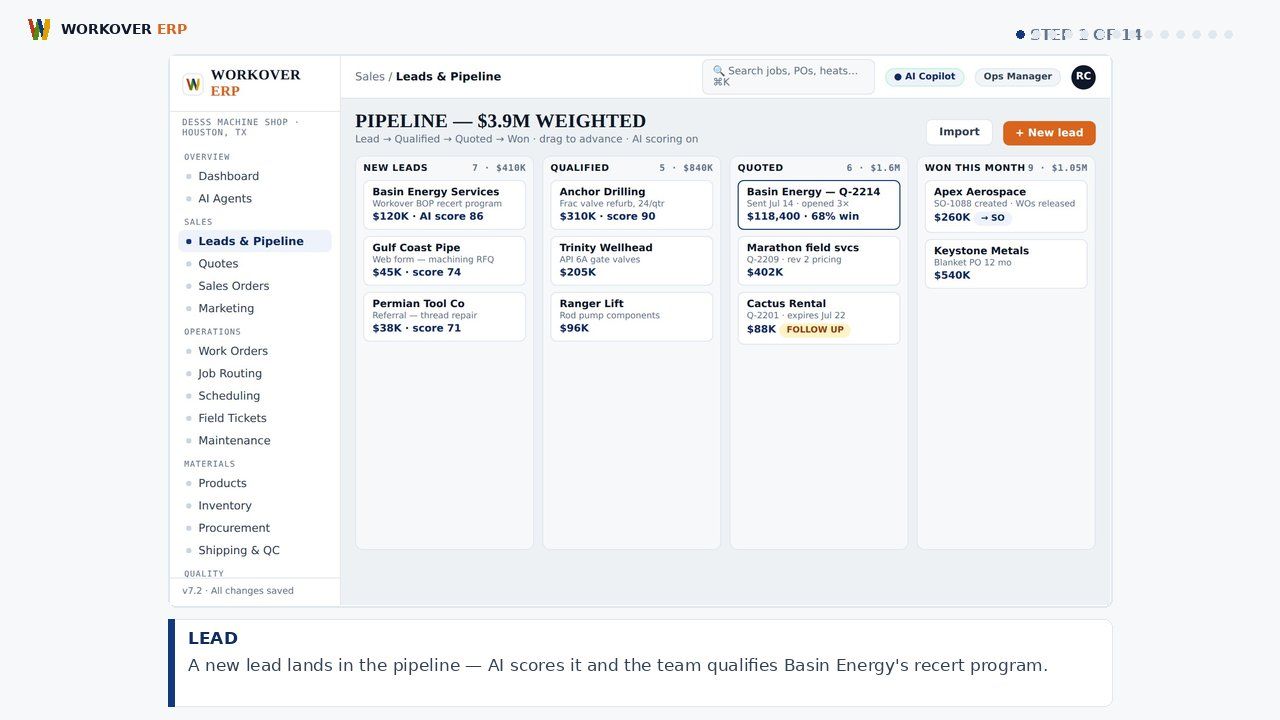
FULL WALKTHROUGH · 64 SEC
LEAD TO FINANCIALS — INCLUDING HR — IN ONE TAKE
The whole loop: lead → quote → order → routing → finite scheduling → shop floor → time & labor → HR → shipping/QC → invoice → collections → payables → live P&L → AI copilot.
▶
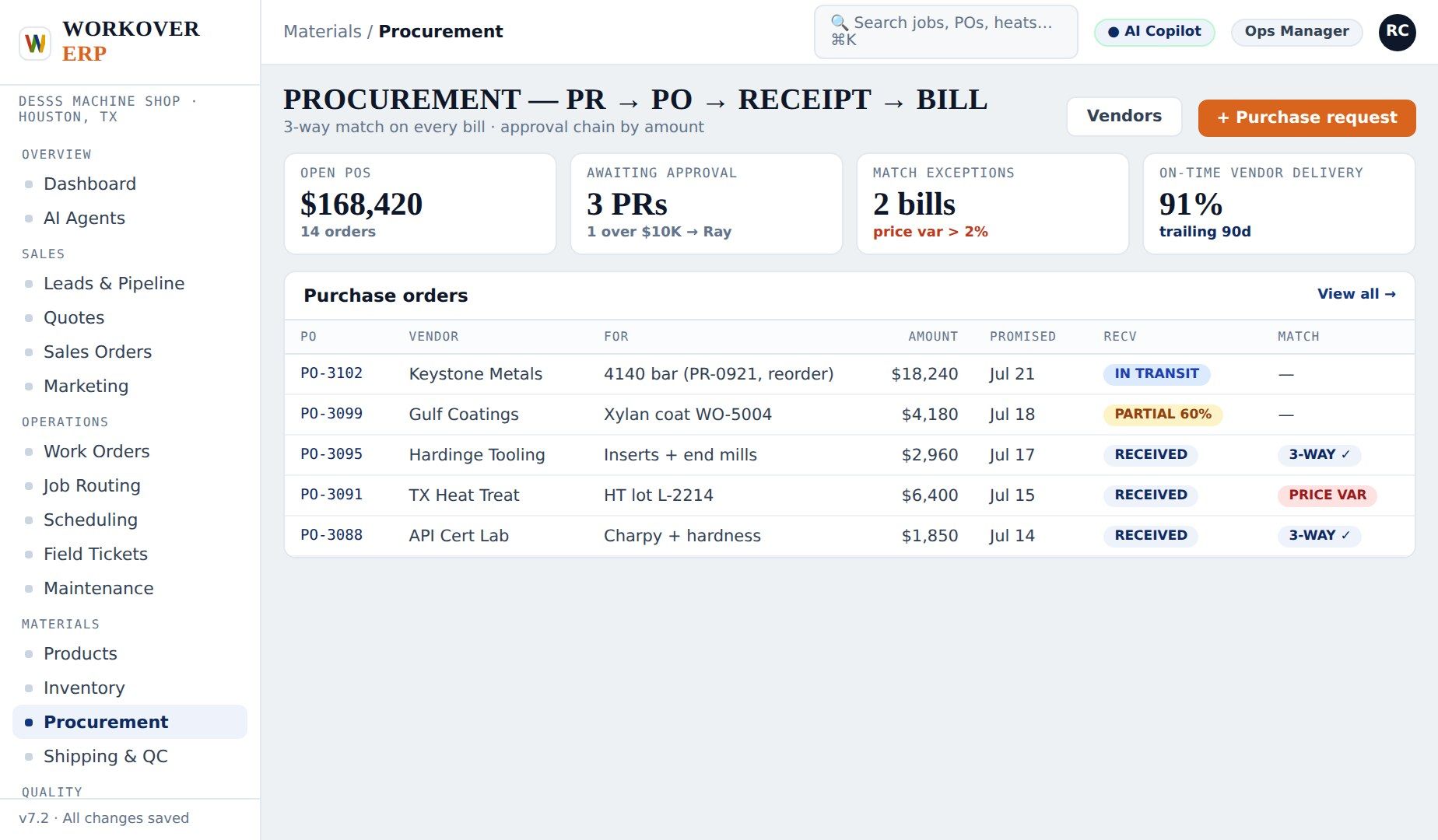
Procurement
How it works, step by step — request, approve, order & receive, match & pay.
▶
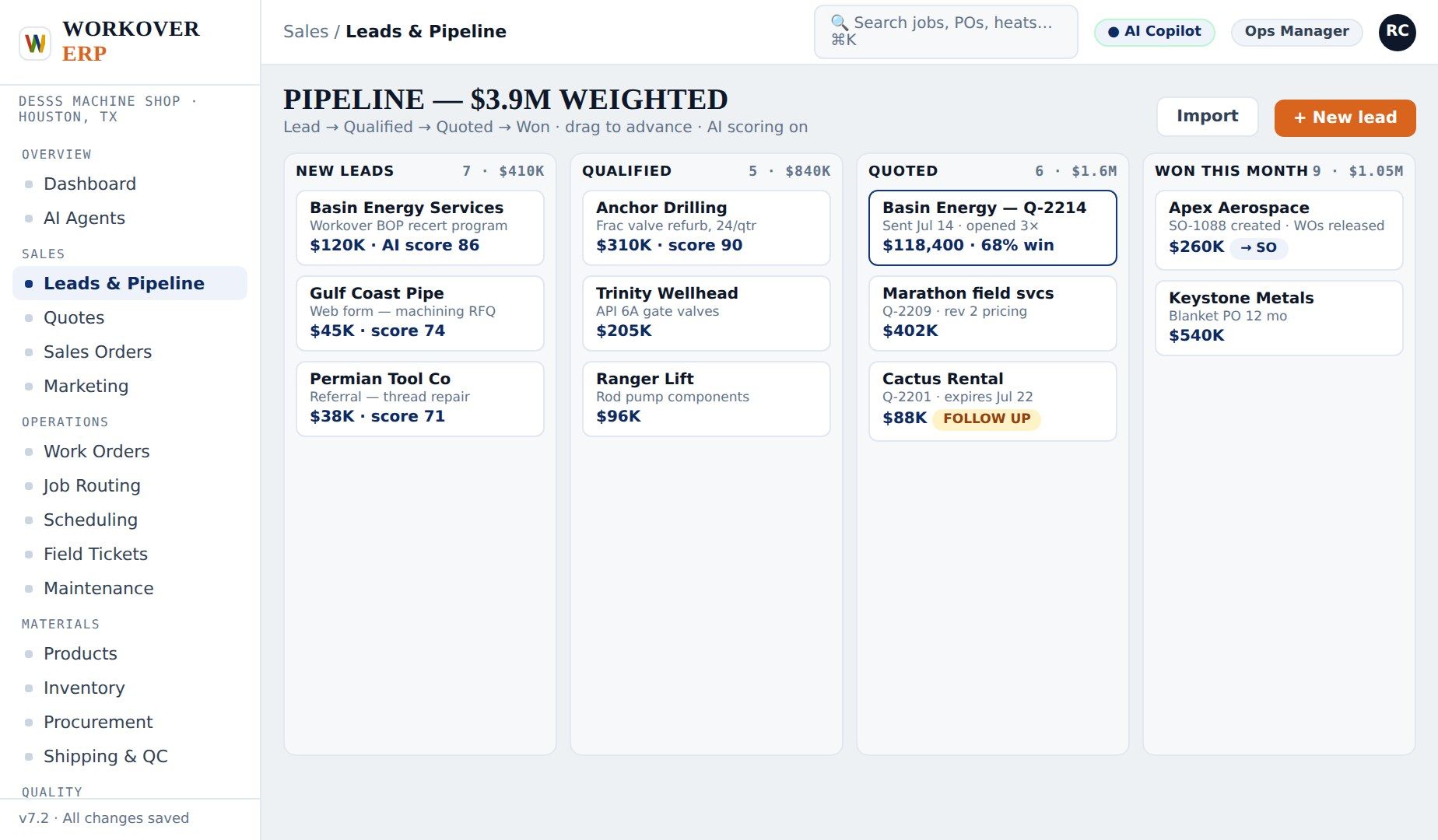
Sales & Quoting
How it works, step by step — capture, quote, win, track.
▶
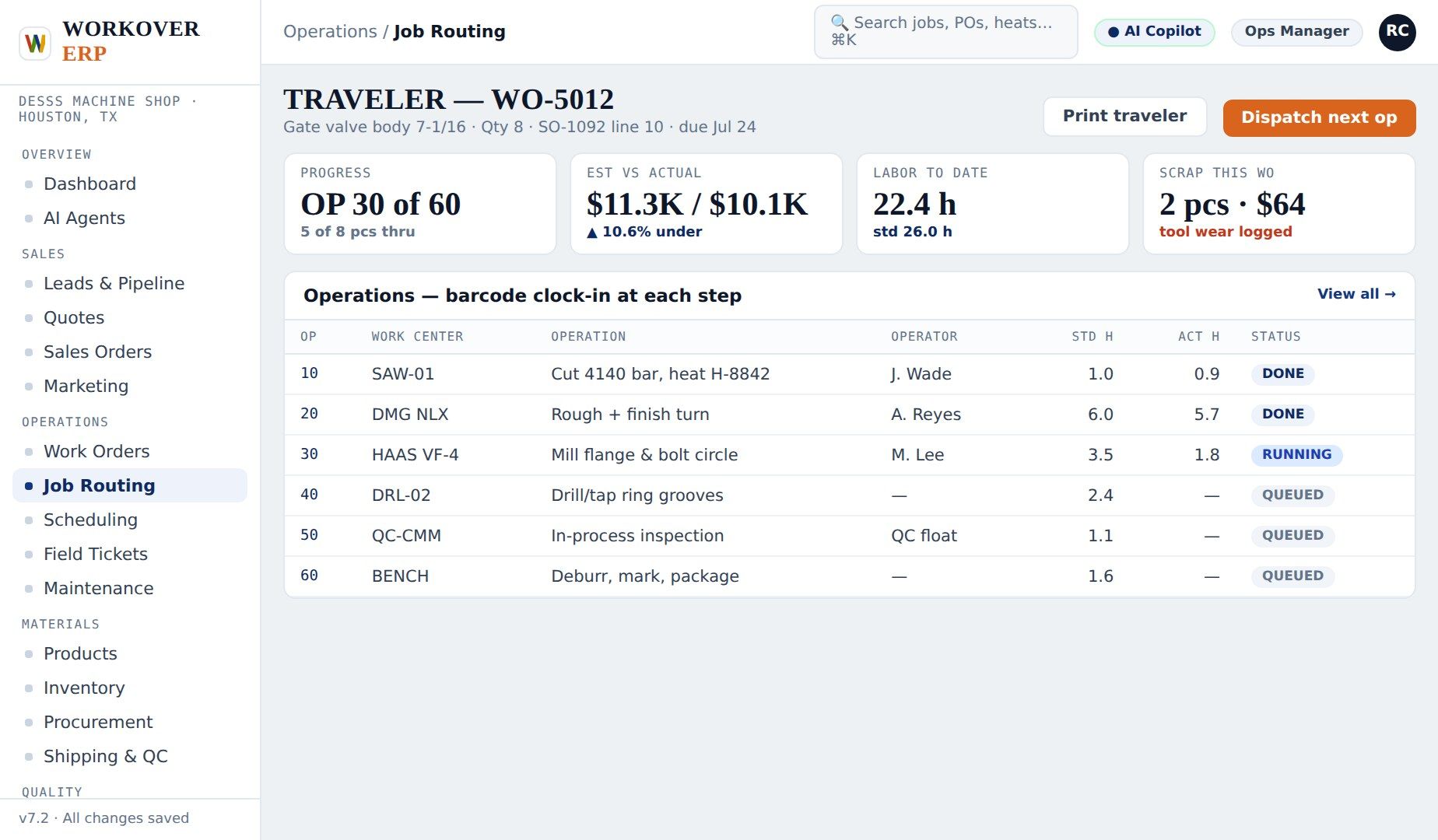
Job Routing
How it works, step by step — release, route, hold, close.
▶
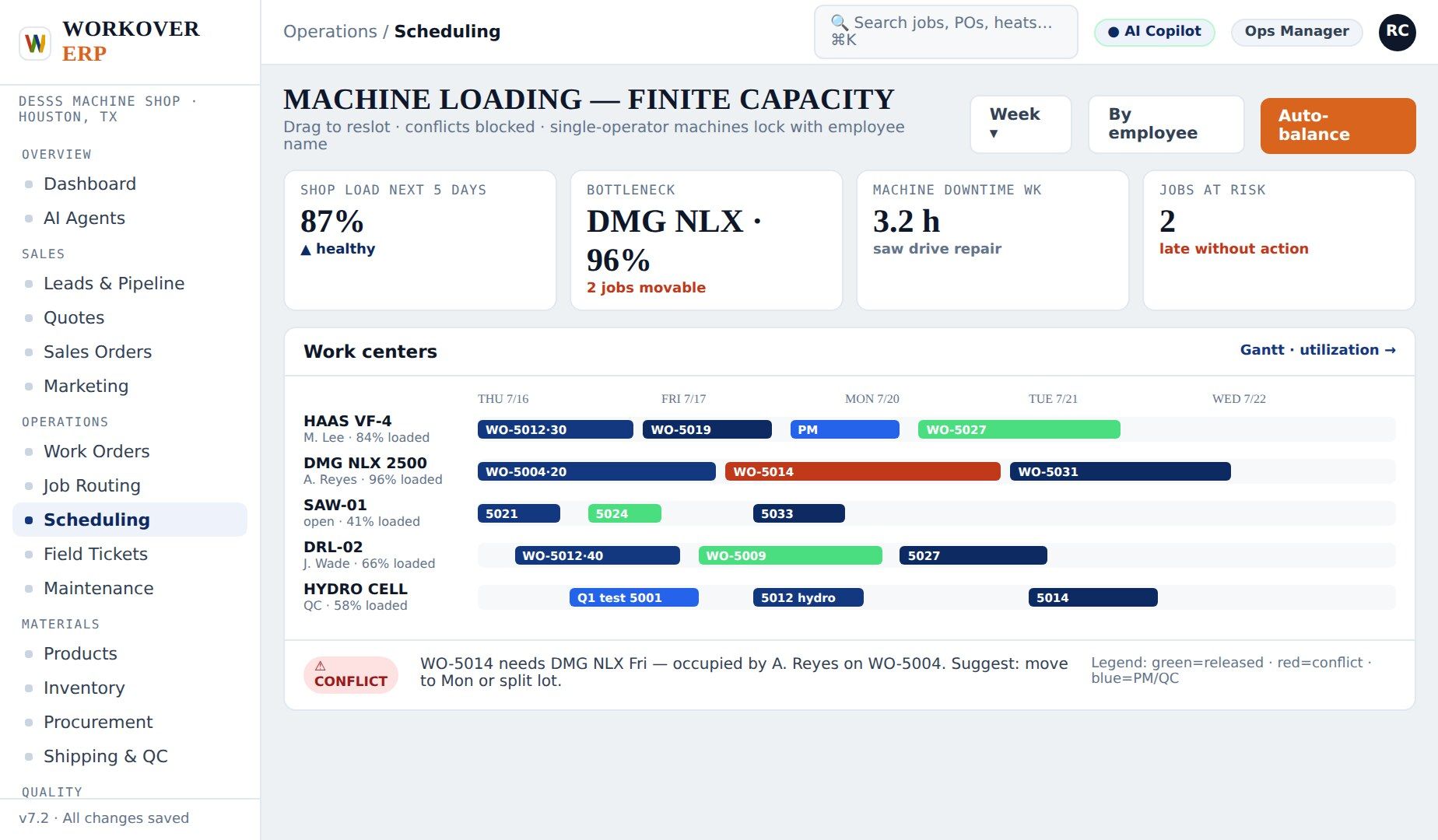
Machine Shop
How it works, step by step — load, balance, trace, deliver.
▶
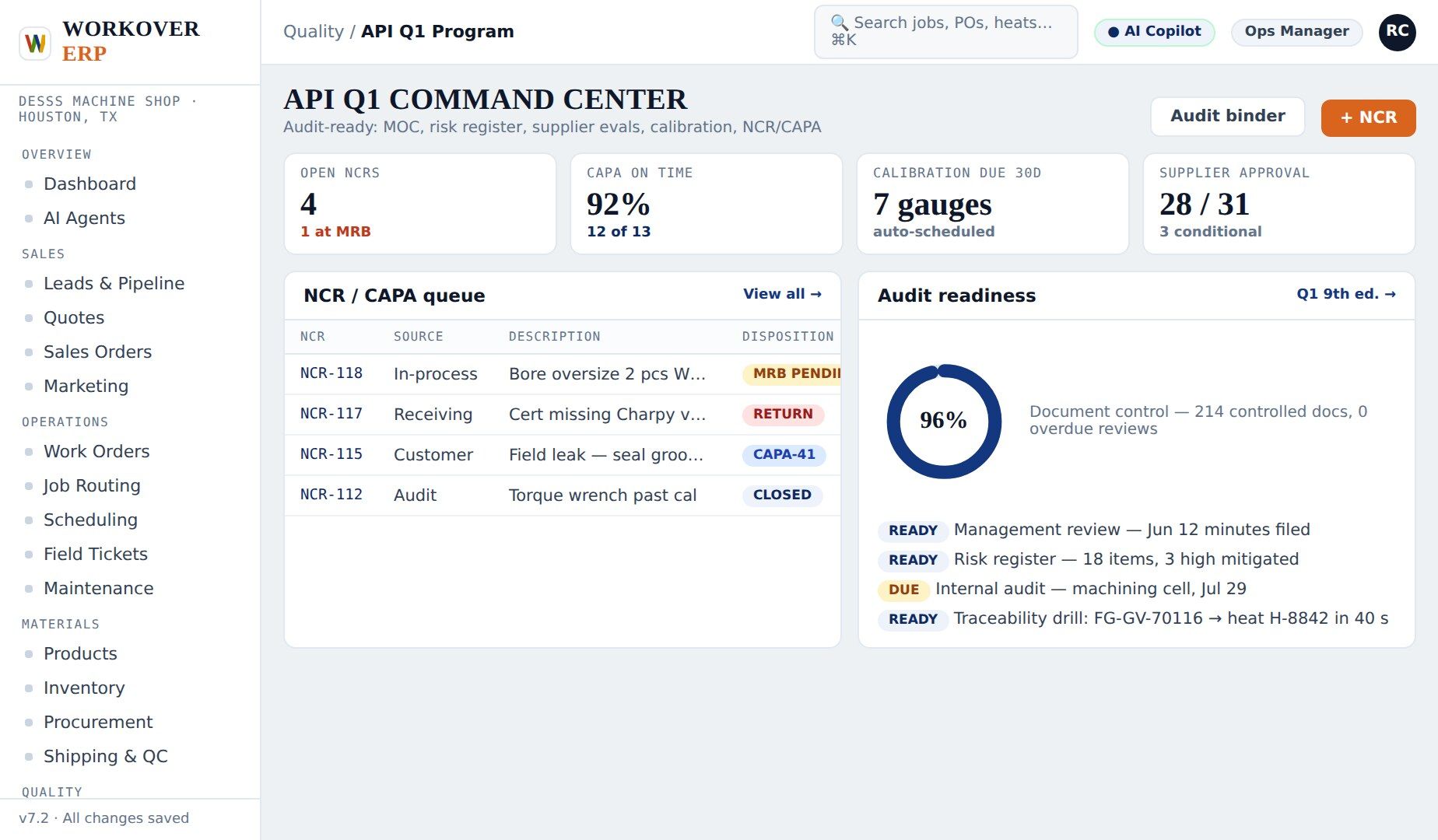
Quality (API Q1)
How it works, step by step — gate, record, disposition, prove.
▶
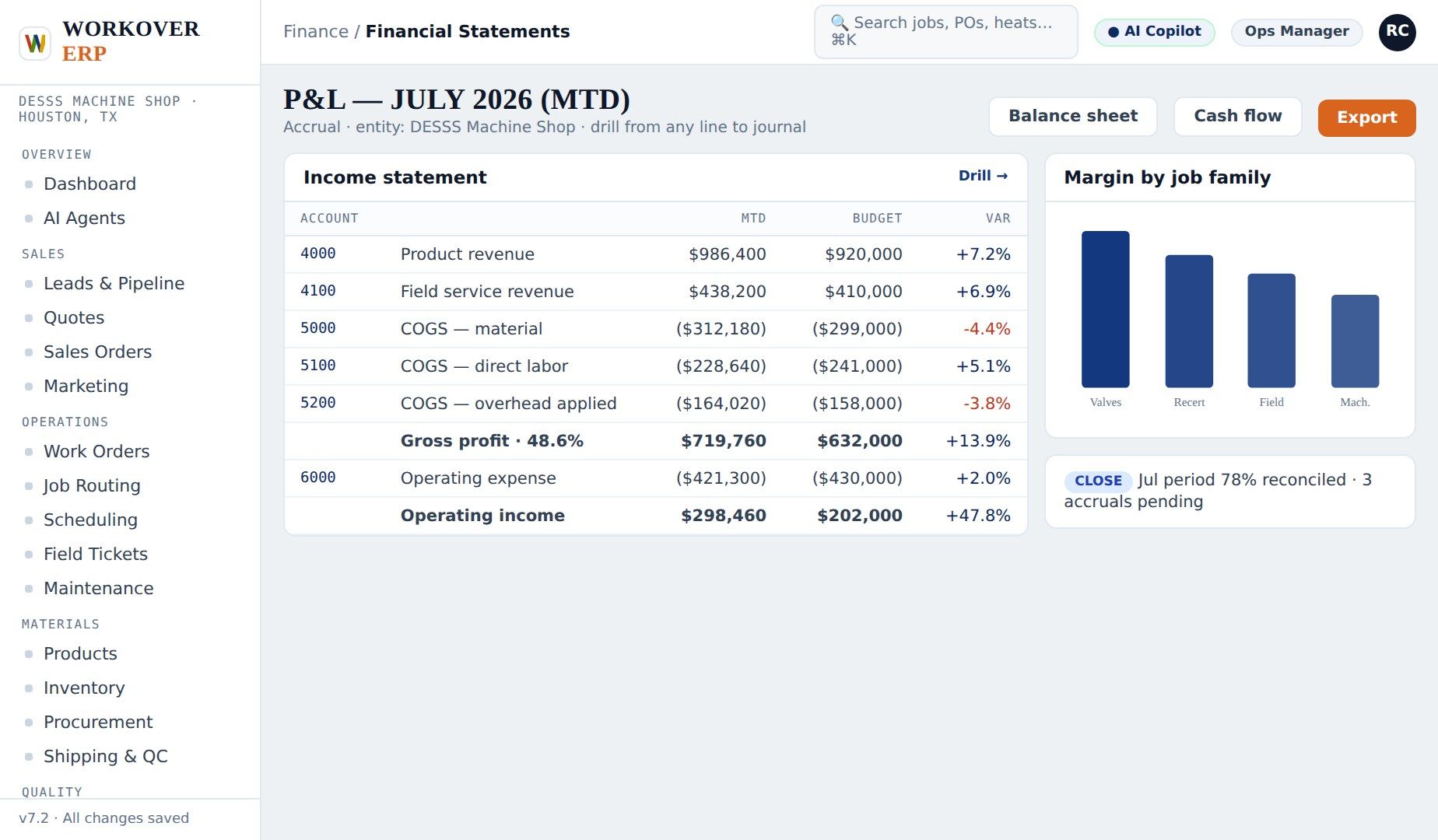
Financials
How it works, step by step — post, invoice, match, close.
▶
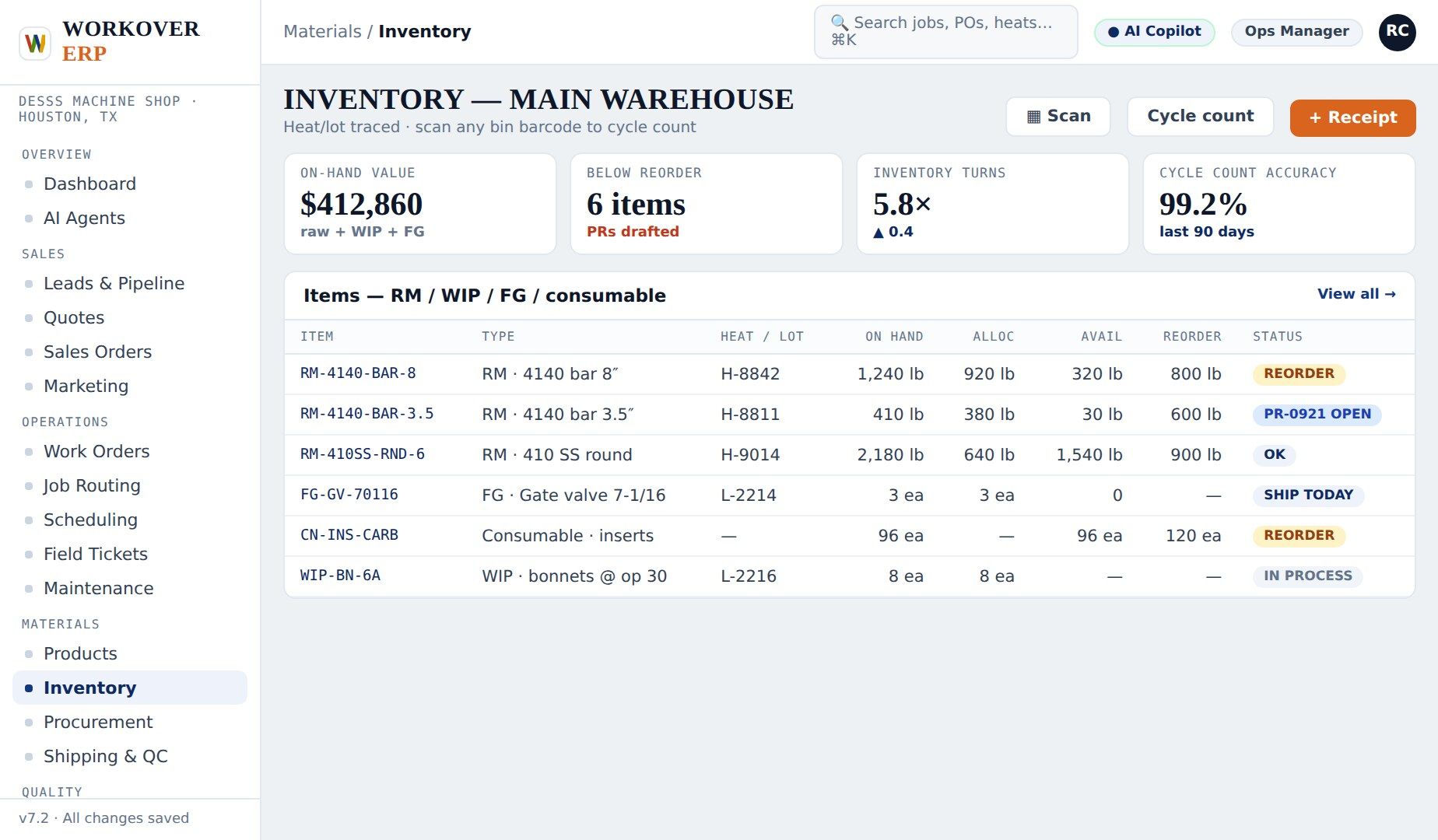
Inventory
How it works, step by step — receive, issue, reorder, rent.
▶
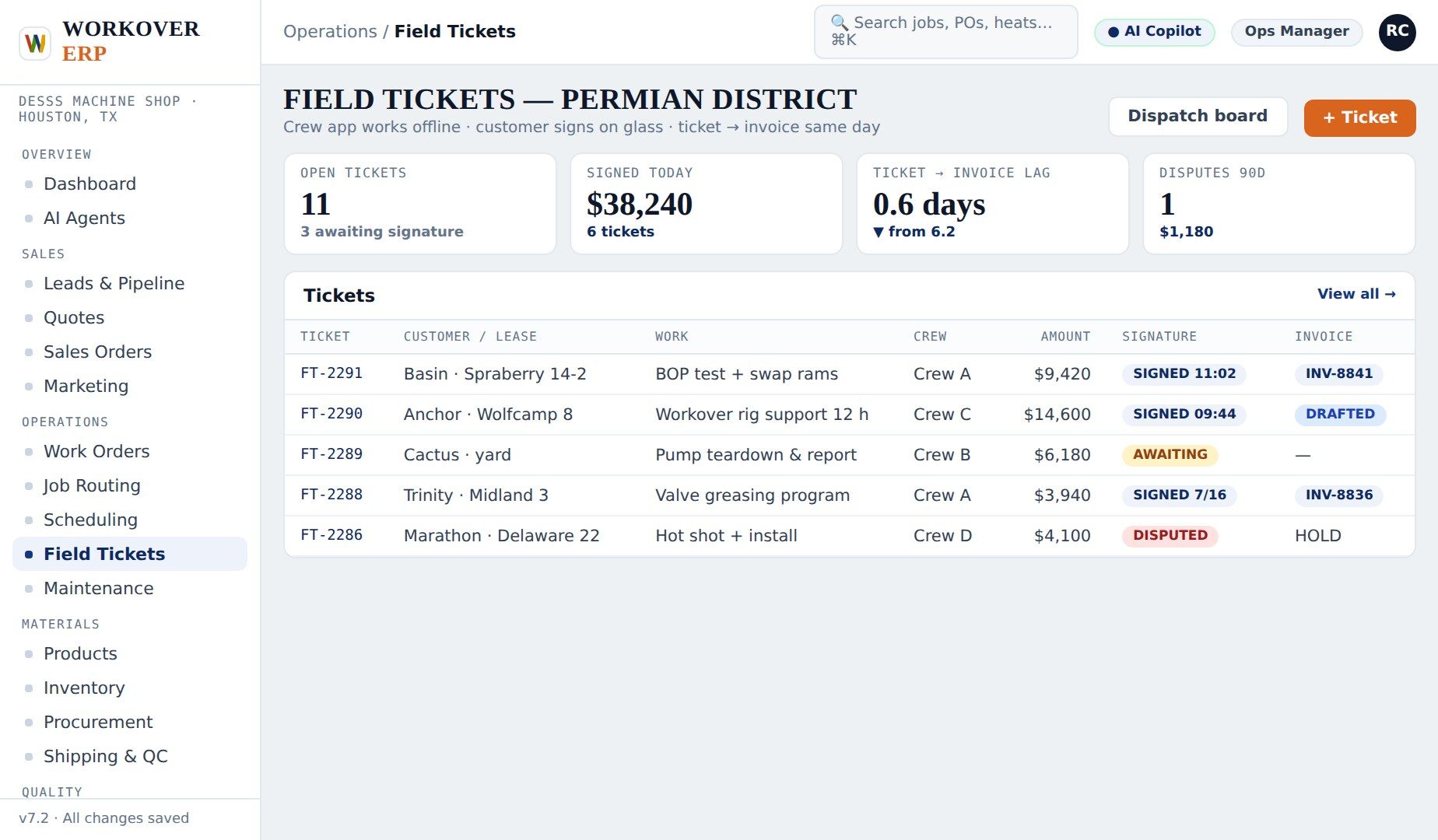
Field Ticketing
How it works, step by step — work, ticket, sign, bill.
▶
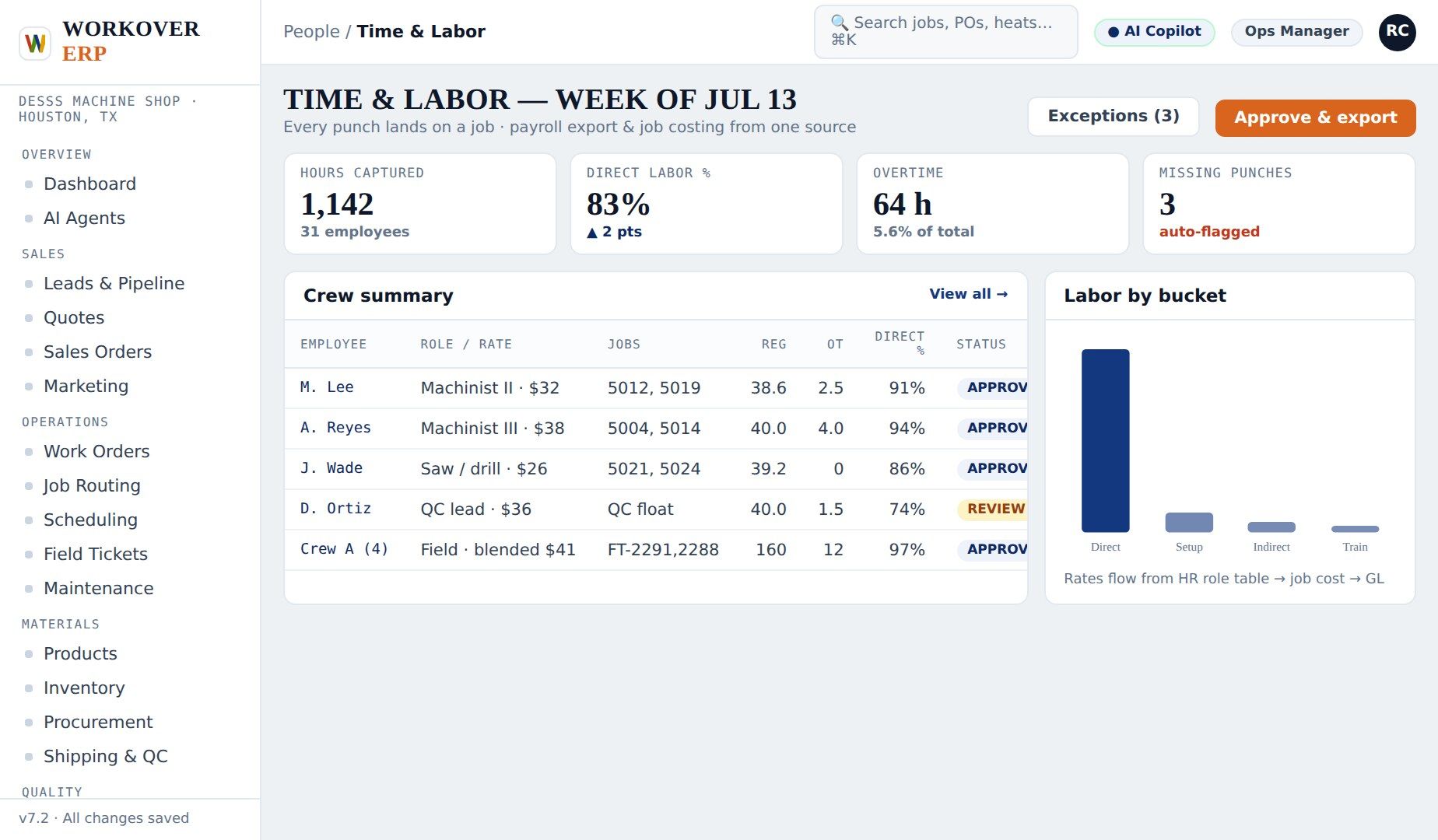
Time & Labor
How it works, step by step — clock in, post, approve, pay.
▶
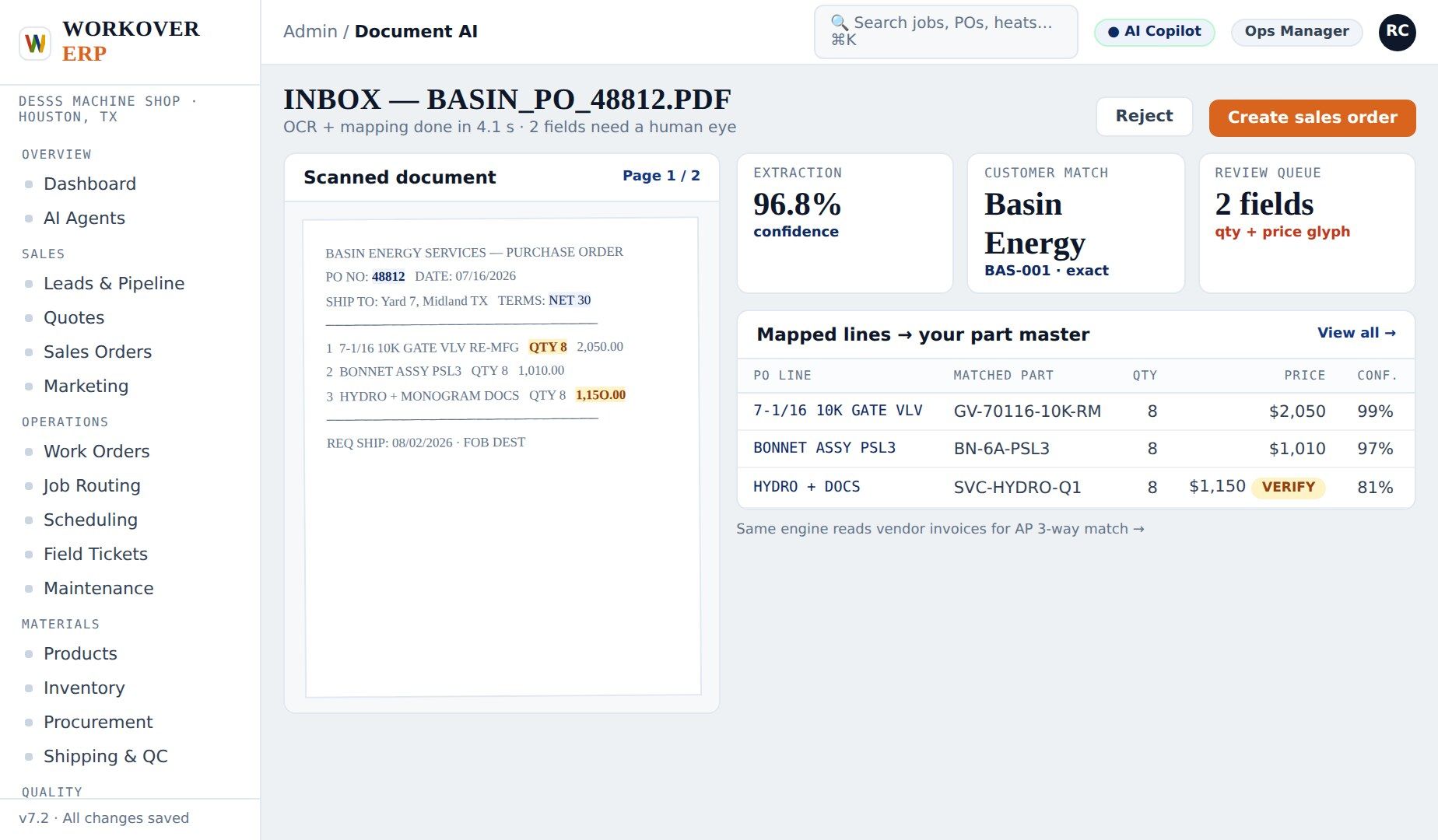
Doc AI / OCR
How it works, step by step — scan, extract, create, track.
▶
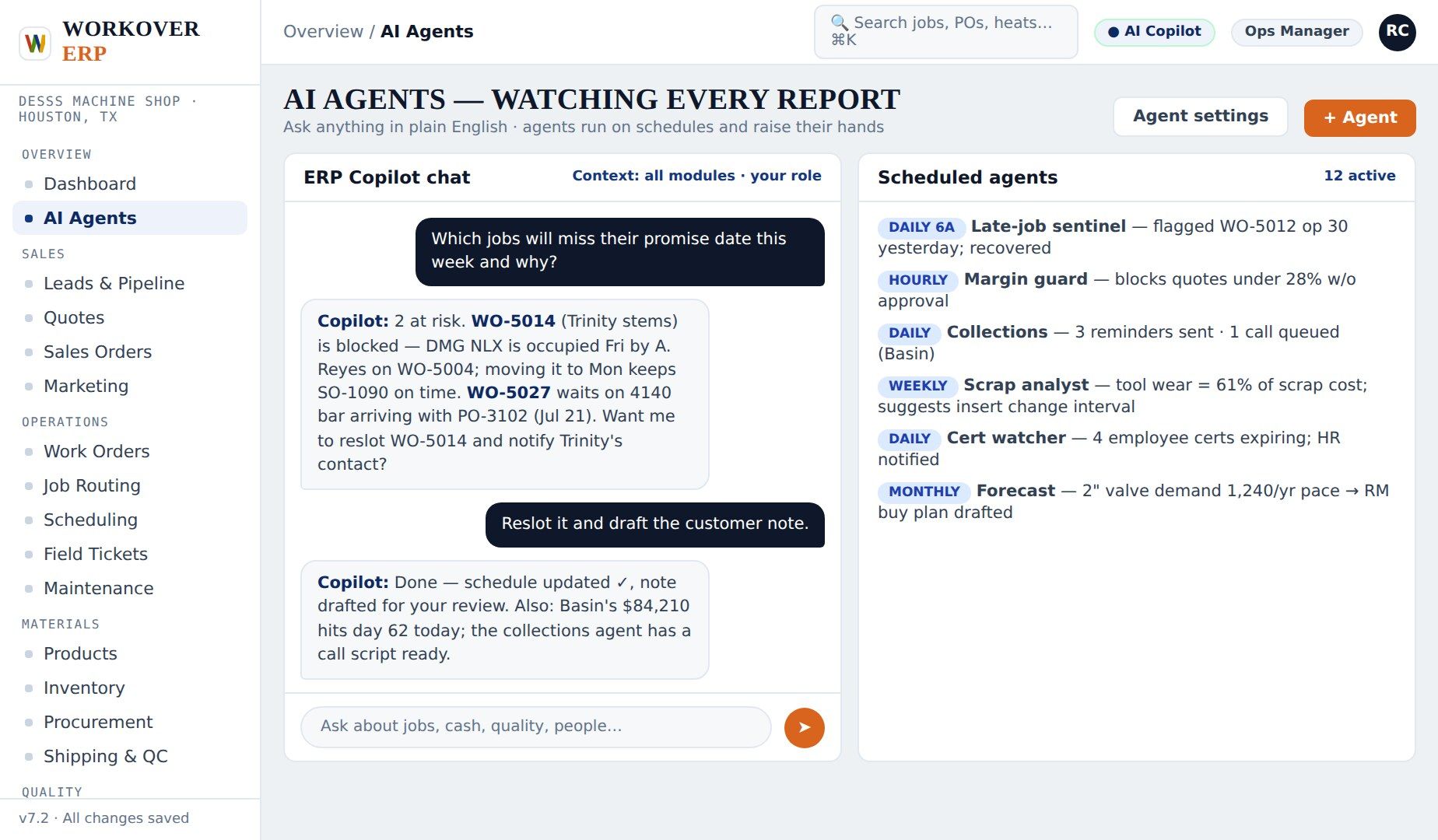
AI Agents
How it works, step by step — watch, detect, alert, act.
▶
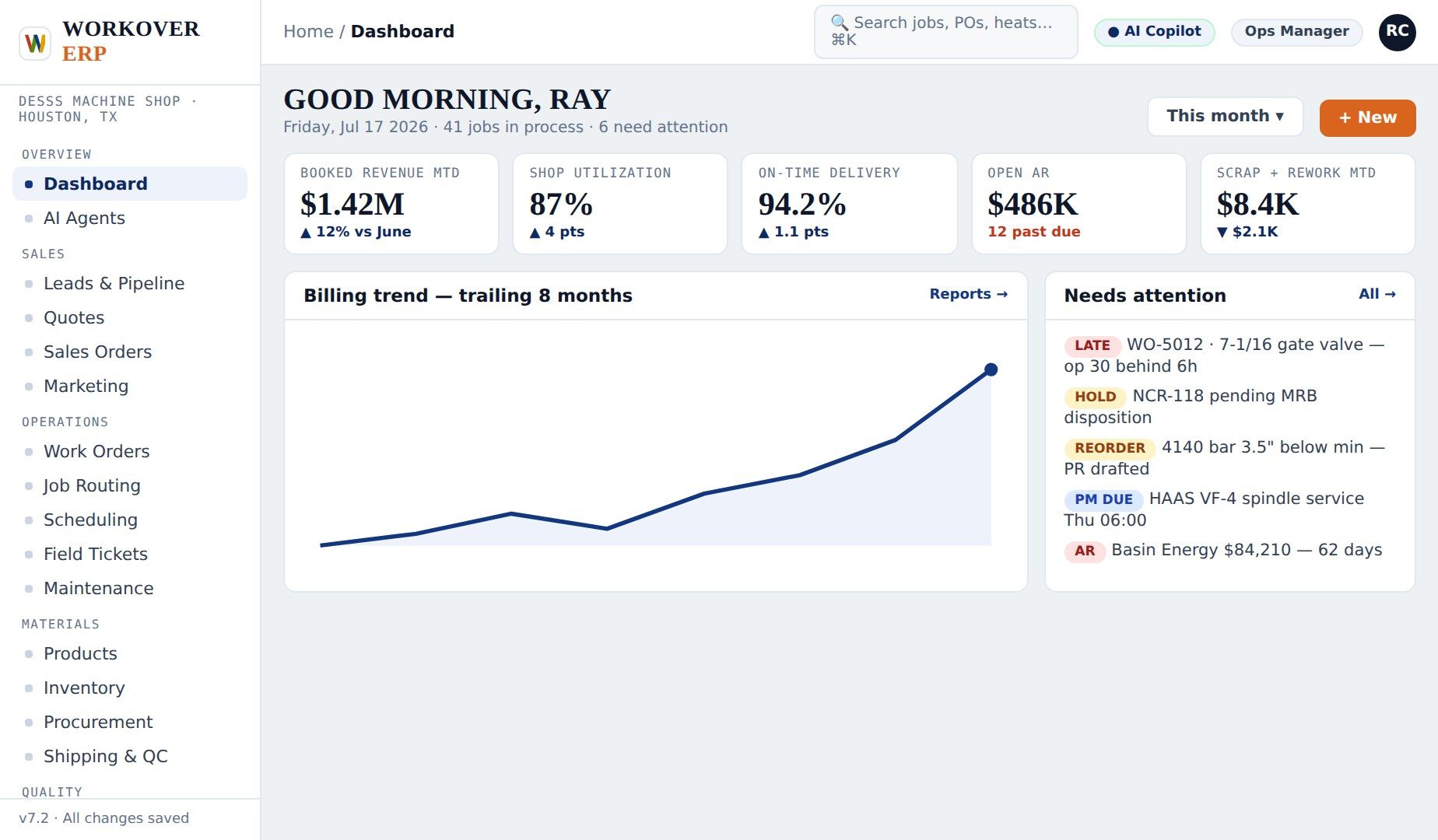
Dashboards
How it works, step by step — open, spot, drill, fix.
▶
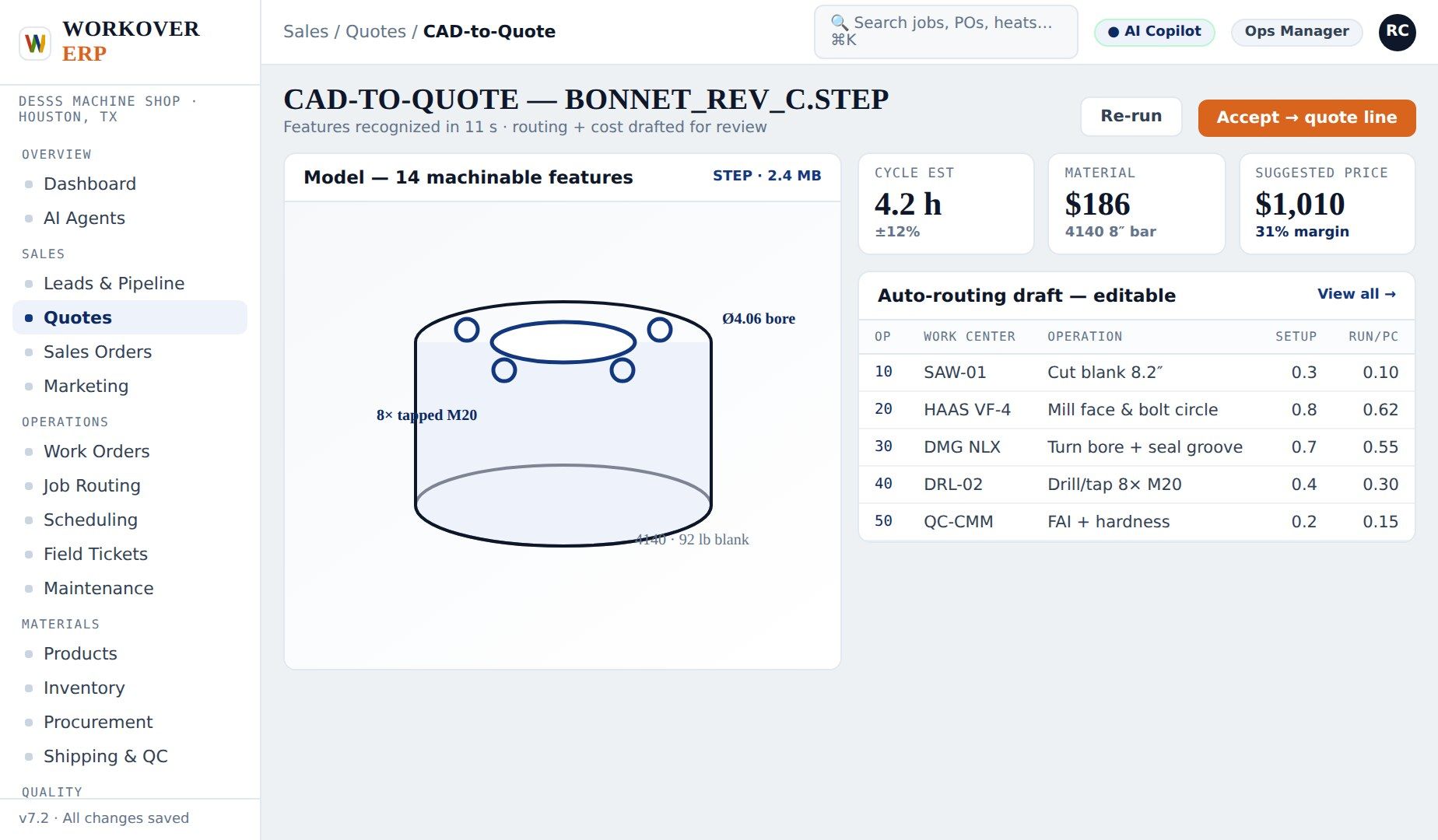
CAD to Quote
How it works, step by step — drop, analyze, price, send.
▶
Scheduling
How it works, step by step — load, spot, drag, ship.
▶
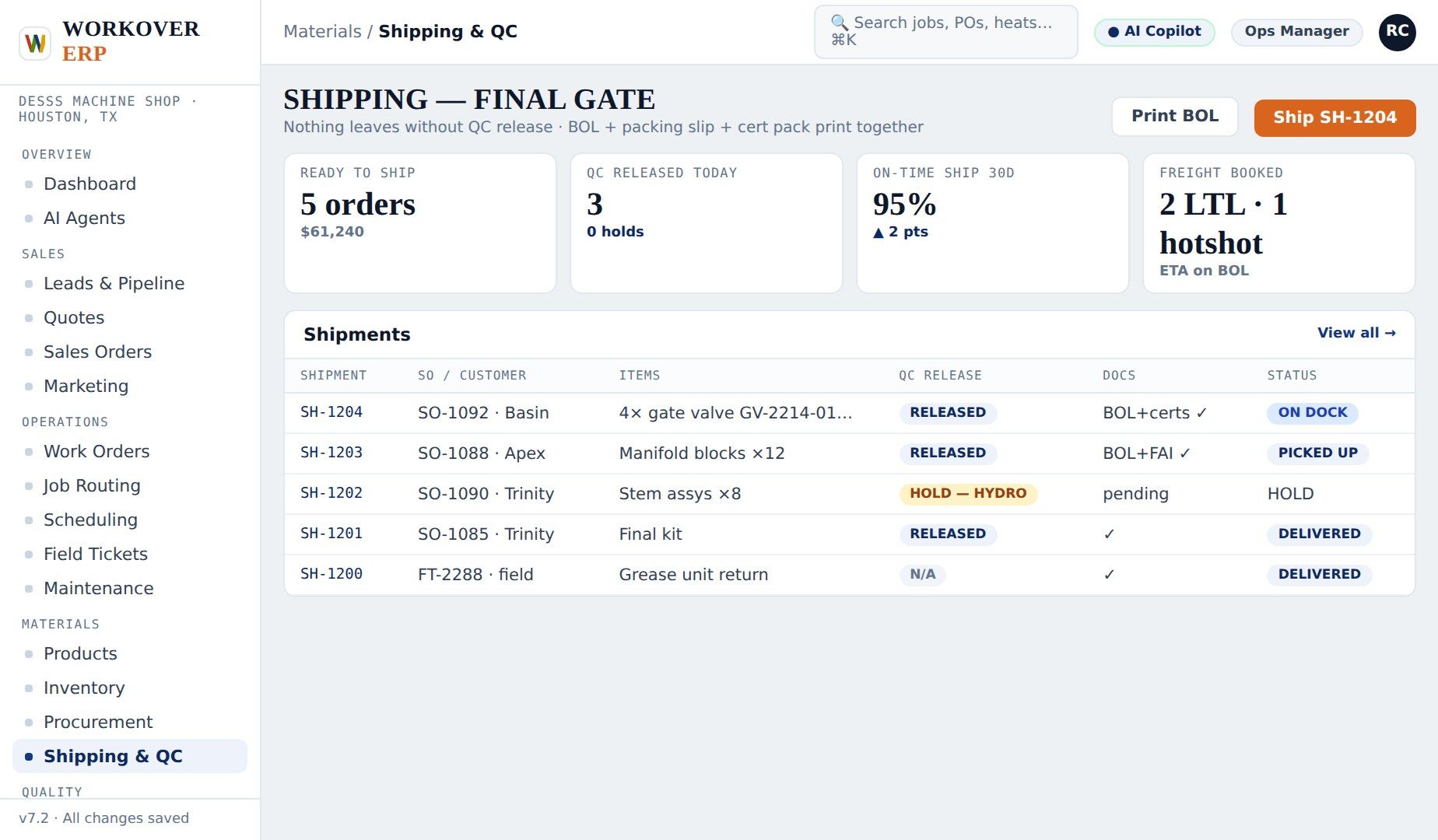
Shipping & QC
How it works, step by step — pass, package, ship, invoice.
▶
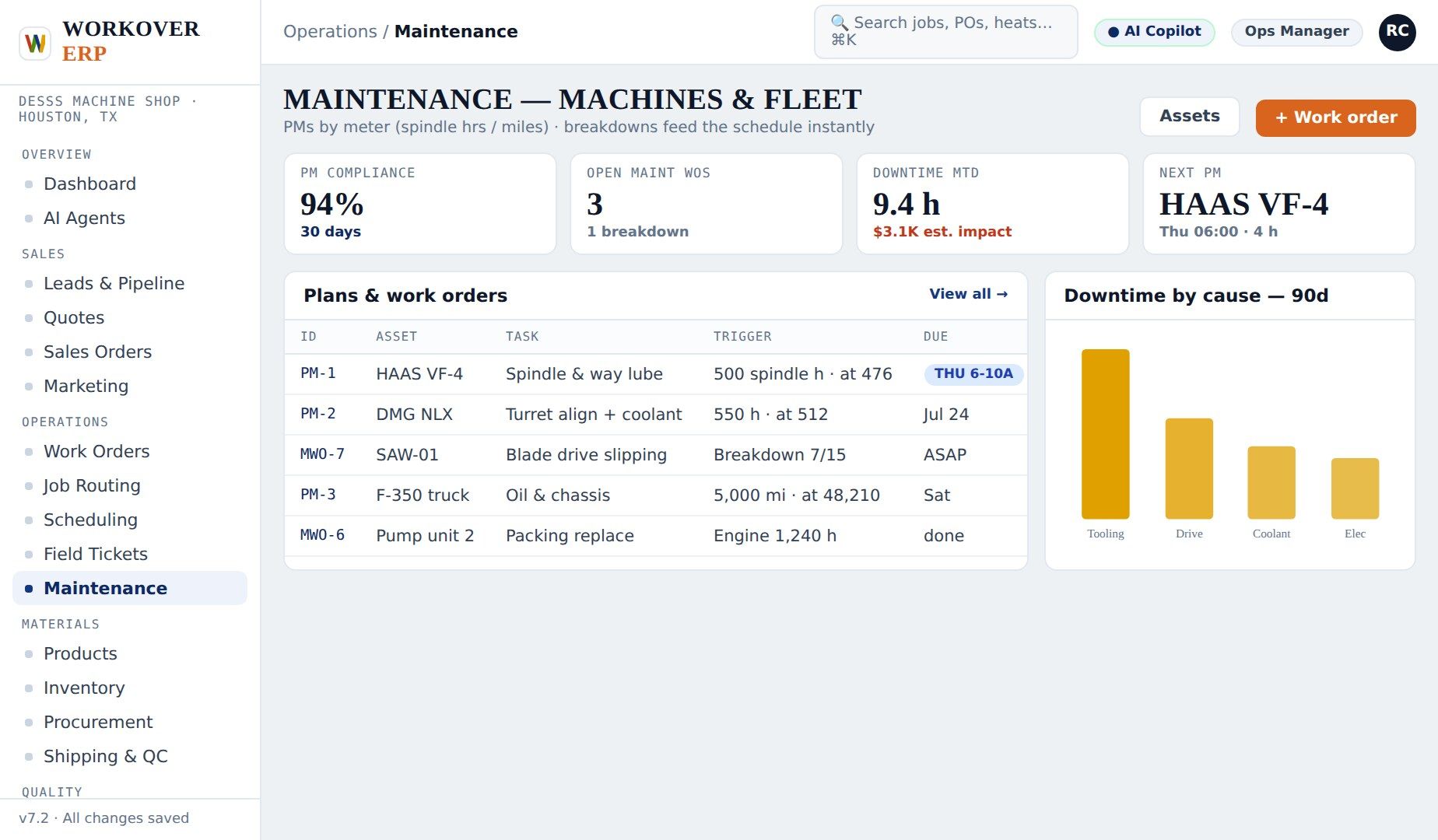
Maintenance
How it works, step by step — plan, block, fix, learn.
▶
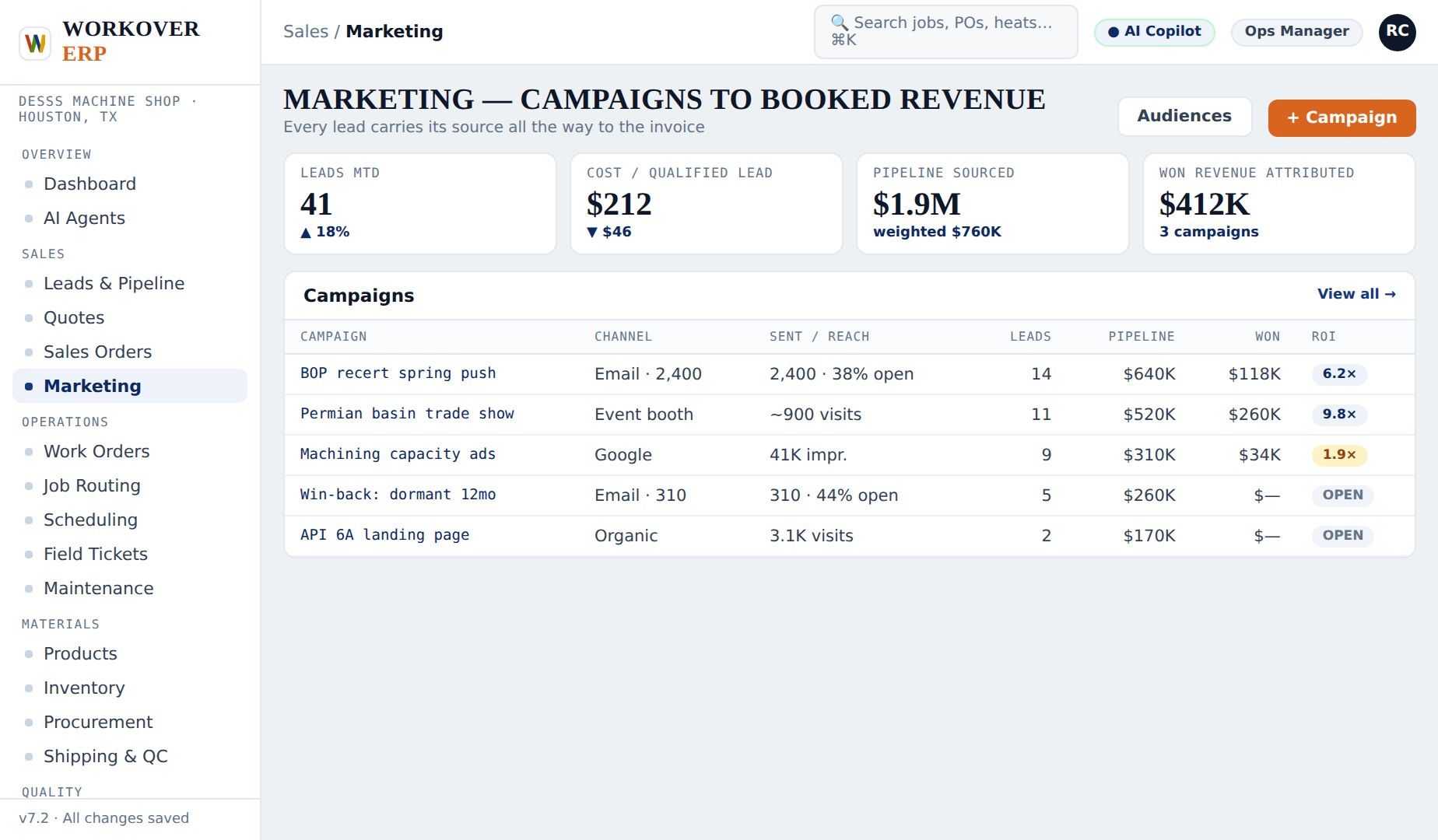
Marketing
How it works, step by step — tag, follow, measure, decide.
▶
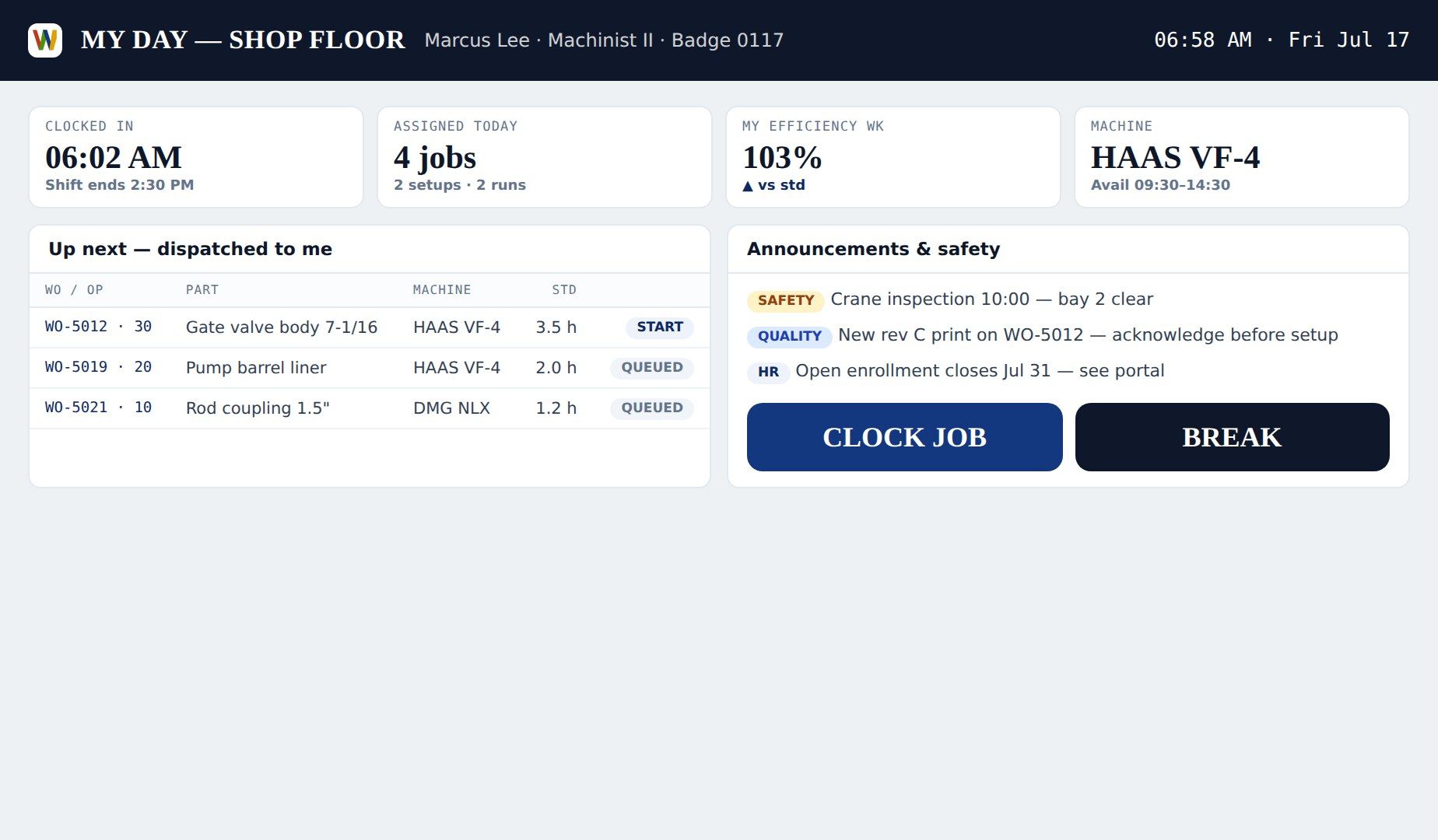
Operator Workspace
How it works, step by step — start, focus, run, flag.
▶
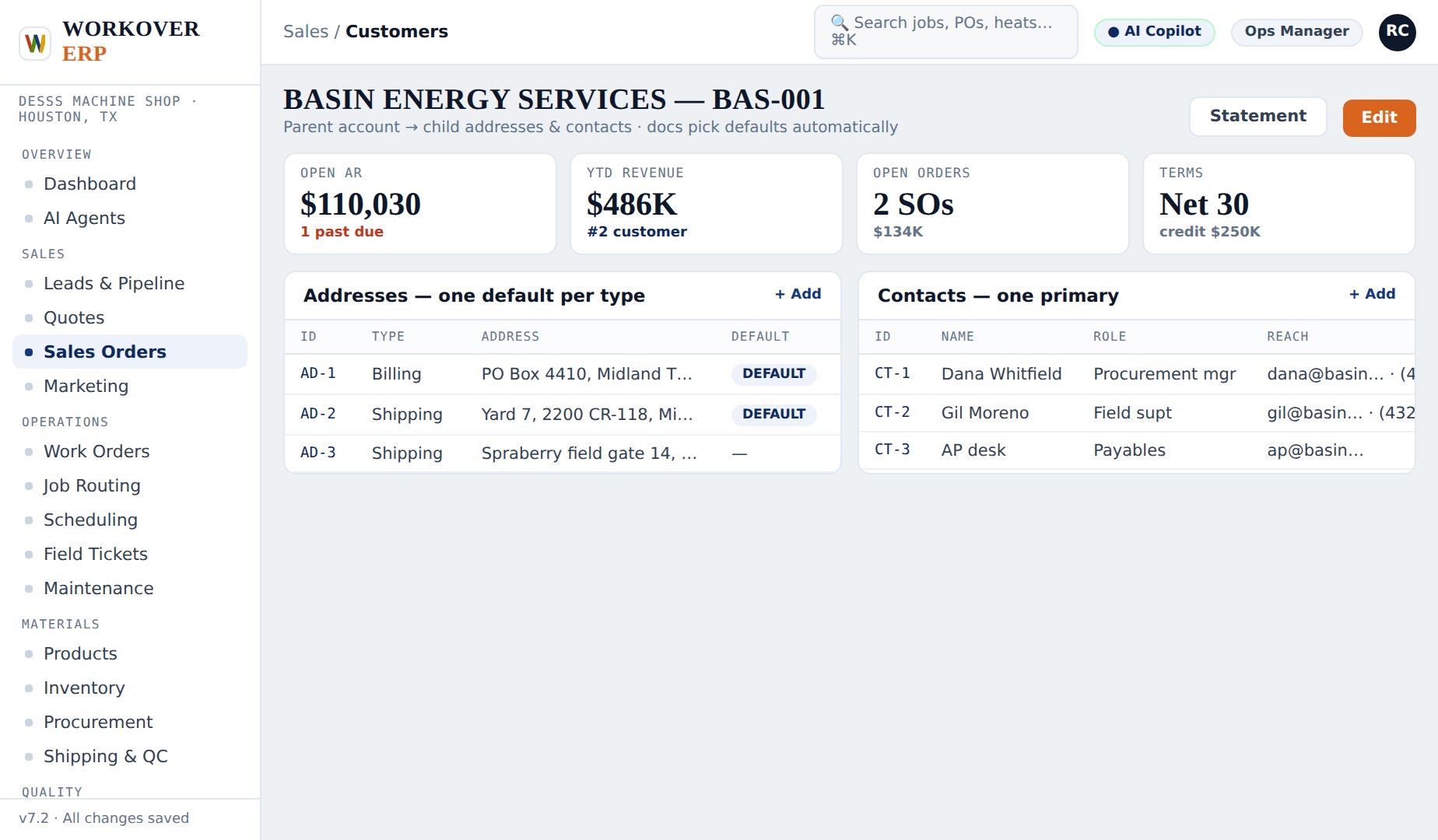
Master Data & Access
How it works, step by step — define, assign, protect, trust.
SIXTY SECONDS NOT ENOUGH?
Book a 30-minute live demo on real software, with your data.